
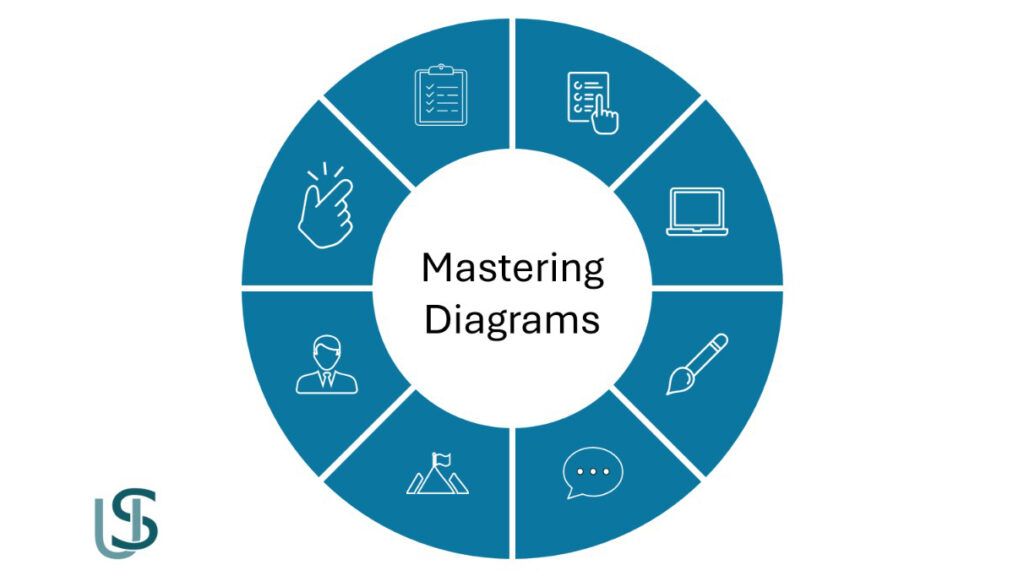
PowerPoint donut charts are often underutilized in corporate presentations. In this tutorial, you’ll learn how to transform a standard, native PowerPoint Donut Chart into a high-impact visual diagram framework using vector shape isolation techniques.
📌 Video Key Timestamps
- 00:00 – Introduction & Concept Overview
- 00:14 – Inserting and Configuring the Donut Chart
- 01:28 – Converting Chart to Vector Shapes (Paste Special)
- 01:46 – Ungrouping Slices & Isolating Elements
- 03:15 – Custom Formatting & Color Styling
- 04:46 – Inserting Central Typography & Icons
🛠️ Step-by-Step Breakdown
Step 1: Convert Donut Chart to Shapes
Instead of being restricted by PowerPoint’s chart formatting, copy the chart and use Paste Special -> Picture (Enhanced Metafile). This allows you to break down the graphic into independent vector elements.
Step 2: Ungroup & Refine
Select the converted graphic and press Ctrl + Shift + G to ungroup. Remove unnecessary container borders and retain only the segment arcs, so that you will end up having a powerpoint vector graphic design
⌨️ Useful Shortcuts Mentioned to Create a PowerPoint Diagram
- Copy / Paste:
- 🌐 Windows:
Ctrl+C/Ctrl+V - 🍎 macOS:
Cmd ⌘+C/Cmd ⌘+V
- 🌐 Windows:
- Paste Special :
- 🌐 Windows:
Ctrl+Alt+V - 🍎 macOS:
Ctrl+Cmd ⌘+VOR : Option ⌥ + Cmd ⌘ + V)
- 🌐 Windows:
- Ungroup Shapes :
- 🌐 Windows:
Ctrl+Shift+G - 🍎 macOS:
Cmd ⌘+Option ⌥+Shift+G
- 🌐 Windows:
So, In this video tutorial, you will learn one of the most powerful techniques for mastering diagrams in PowerPoint — transforming a simple donut chart into a fully editable professional visual framework.
This method is used by top presentation designers and consultants to create:
- Strategy diagrams
- Process frameworks
- Capability models
- Executive visuals
- Clean, modern layouts
You will see step‑by‑step how to:
- Build a donut chart
- Convert it into shapes
- Apply professional shape formatting
- Add icons, labels, and structure
- Create a polished diagram ready for executive presentations
This technique gives you complete control over spacing, colors, alignment, and visual hierarchy — without using AI.
If you want to take your PowerPoint skills to the next level, this video is a must‑watch.
For more PowerPoint turorials, check this Youtube Playlist
And here you can search for Jobs for Presentation and PowerPoint designers