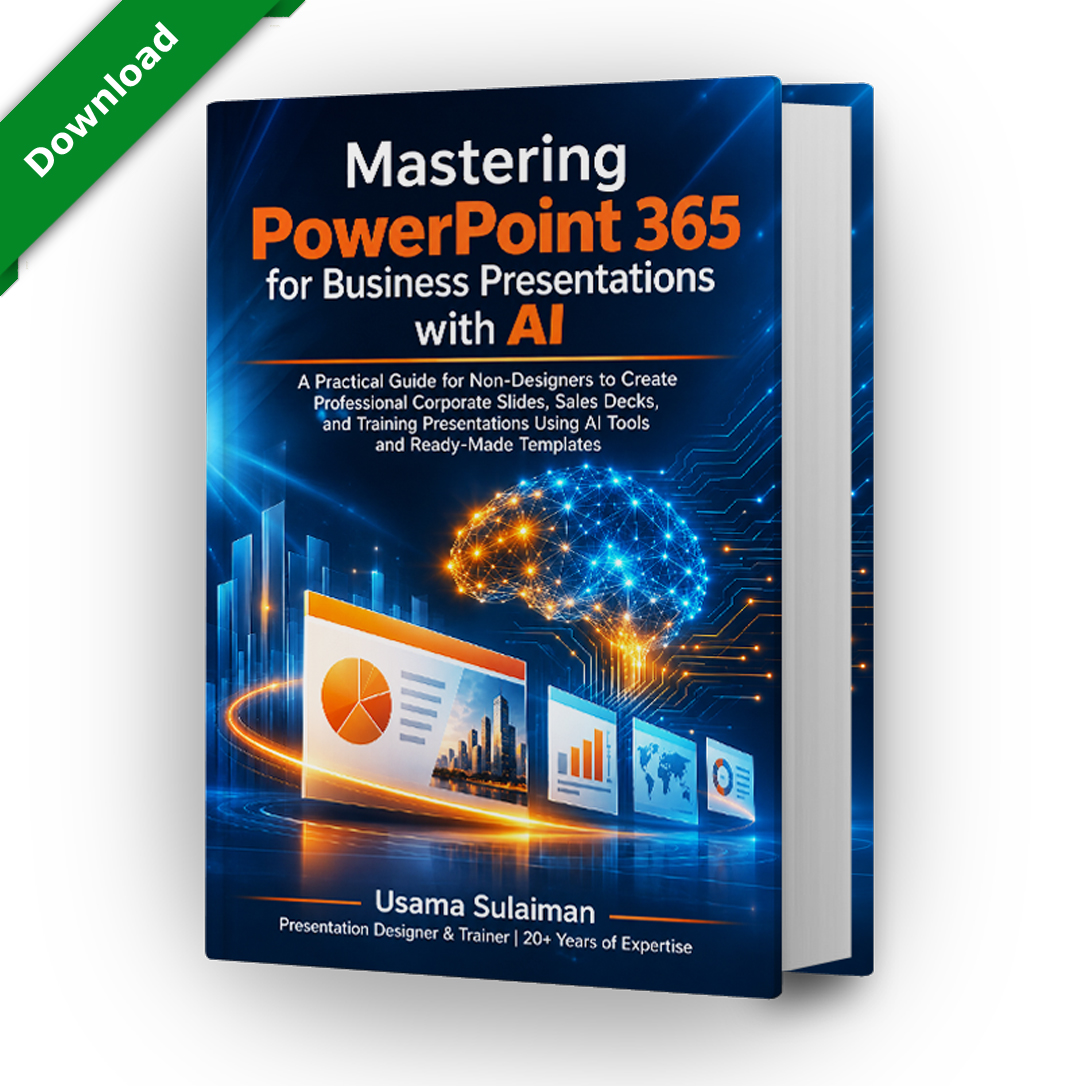
Mastering PowerPoint 365 | Complete Edition
$39
Get the PowerPoint 365 book PDF for your personal use, plus online reading in your browser. The 304-page reference covers PowerPoint slide design, PowerPoint Copilot prompts and business presentations with AI, and includes access to the companion resources page.
Description
A PowerPoint 365 book PDF with online reading included
The Complete Edition of Mastering PowerPoint 365 for Business Presentations with AI gives you a PowerPoint 365 book PDF for your personal use, plus online reading in your browser. The 304-page reference is written for non-designers who want professional slides, from managers and trainers to freelancers who prepare presentations for clients.
Why choose a PowerPoint 365 book PDF?
A PowerPoint 365 book PDF puts the reference on your own device, ready when you are offline or away from your desk. You can also read the same book online, so you can use whichever format suits the moment. Many sections link to video walkthroughs on my YouTube channel, and every chapter uses guiding screenshots.
Business presentations with AI for everyday work
Part IV and the bonus part explain how to prepare business presentations with AI while keeping control of the message. The AI drafts and suggests; you review, correct and decide. Use these methods for business presentations with AI to save preparation time, not to skip your own review. The chapters cover Copilot, Claude, ChatGPT and Gemini, and every workflow ends with a check before you present.
PowerPoint Copilot prompts and Claude prompts
You get PowerPoint Copilot prompts for business, educational and marketing presentations, each with a short explanation of why it works. Treat these PowerPoint Copilot prompts as templates: replace the topic, audience and tone with your own. Copilot availability depends on your Microsoft plan, so the book marks which features need a subscription and offers manual steps that work without it.
The bonus part adds 14 Claude prompts, from a brief builder to speaker notes, slide critique and a quality audit of the whole deck. Use them alongside the PowerPoint Copilot prompts in Part IV.
PowerPoint slide design you can apply today
PowerPoint slide design is taught here as a set of repeatable rules: the 3×3 and 6×6 rules, guides, whitespace, color palettes, fonts and corporate identity. You then turn those rules into a master slide, a slide library and a complete template, so your next deck starts from a consistent base. Good PowerPoint slide design is mostly consistency.
What is inside the PowerPoint 365 book PDF
- Foundations of business presentations and a tour of the PowerPoint workspace
- A presentation framework, slide architecture and corporate branding for confident PowerPoint slide design
- Ready-to-use sales, corporate, training, proposal and report templates
- Before-and-after transformations that make PowerPoint slide design easy to see
- Complete sample presentations and lessons from well-known presentation styles
- Productivity hacks, exporting, sharing and publishing
- AI chapters on business presentations with AI, plus a 30-day improvement plan
What the PowerPoint 365 book PDF edition includes
- A downloadable PDF for your personal use
- Online reading access to the full book, including the bonus part
- Access to the companion resources page, with most of the presentations created for the book
- Files and online pages may carry a personalized watermark, as described in the Terms
The PowerPoint 365 book PDF is sold as a personal-use license for one person. You may use what you learn in your own work, but you may not share, resell or redistribute the file or your access. Please read the Terms and Conditions and the Refund and Returns Policy before buying.
Questions about the PowerPoint 365 book PDF
Do I need Copilot to use the PowerPoint Copilot prompts? No. The book gives manual steps as well, and the Claude prompts and PowerPoint slide design chapters do not require Copilot.
What is the difference from the Online Edition? The Complete Edition adds the downloadable file. Both cover the same PowerPoint Copilot prompts, PowerPoint slide design lessons and business presentations with AI workflows.
Where are the PowerPoint Copilot prompts? In Part IV, with more examples in the business storytelling chapter.
Compare the editions
Visit the book page to compare both editions, see the Online Edition, or browse the shop for PowerPoint prompt products that work alongside the book. Whichever you pick, the business presentations with AI chapters are identical. Choose this PowerPoint 365 book PDF edition if you want a file as well as online reading.