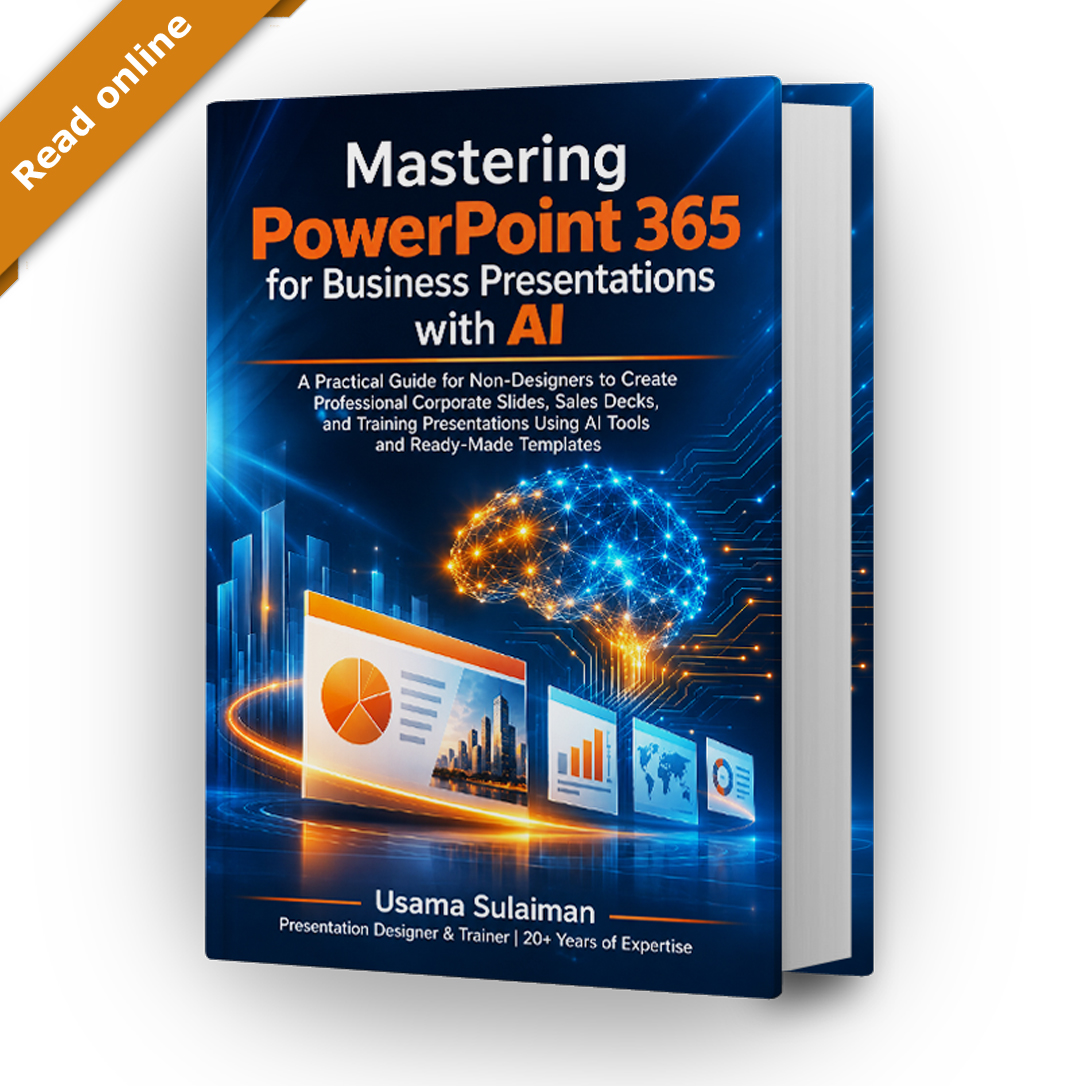
Mastering PowerPoint 365 | Online Edition
$19
This PowerPoint 365 online book is a 304-page, step-by-step reference that you read in your browser on any device. It covers PowerPoint slide design, PowerPoint Copilot prompts and business presentations with AI, and includes access to the companion resources page. Personal-use license for one person.
Description
A PowerPoint 365 online book for non-designers
This PowerPoint 365 online book, Mastering PowerPoint 365 for Business Presentations with AI, is a 304-page, step-by-step reference that you read in your browser on any device. It is written for managers, trainers, sales professionals, entrepreneurs, students and freelancers who want clear, professional slides without learning graphic design.
Why read a PowerPoint 365 online book?
A PowerPoint 365 online book keeps the whole reference one click away while you work. Keep it open in one tab and PowerPoint in another, and follow each step. Many sections link to video walkthroughs on my YouTube channel, so you can watch a technique before you try it.
Business presentations with AI, step by step
Part IV and the bonus part show how to prepare business presentations with AI in a controlled way. You decide the message and the audience; the AI helps with drafts, outlines and layouts that you then review and edit.
PowerPoint Copilot prompts you can adapt
The book includes PowerPoint Copilot prompts for business, educational and marketing presentations, with an explanation of why each prompt is written the way it is. Adapt these PowerPoint Copilot prompts to your own topic and audience. Availability of Copilot depends on your Microsoft plan and account, so the book marks which features need a subscription and gives manual methods that work without it.
The bonus part adds 14 prompts for Claude, from a brief builder to speaker notes and a quality audit. Like the PowerPoint Copilot prompts in Part IV, they are templates for you to edit, not a replacement for your own review.
PowerPoint slide design for non-designers
The core chapters teach PowerPoint slide design as a set of simple rules rather than a talent: the 3×3 rule, the 6×6 rule, guides, whitespace, color palettes, fonts and corporate identity. Good PowerPoint slide design also depends on consistency, so you learn to build a master slide, a slide library and a full template from scratch.
What is inside the PowerPoint 365 online book
- Foundations of business presentations and a tour of the PowerPoint workspace
- A presentation framework, slide architecture and corporate branding for better PowerPoint slide design
- Ready-to-use sales, corporate, training, proposal and report templates
- Before-and-after transformations of weak slides, a practical lesson in PowerPoint slide design
- Complete sample presentations and lessons from well-known presentation styles
- AI chapters on business presentations with AI, including Copilot, Claude, ChatGPT and Gemini
- A 30-day improvement plan and a bonus part with 14 Claude prompts
Business presentations with AI and external tools
Beyond Copilot, the book shows how to use Claude, ChatGPT and Gemini as drafting partners for outlines, scripts and data extraction. Each example reminds you to check facts and figures before you present. These methods for business presentations with AI are meant to speed up your preparation, not to replace your own judgment.
What the PowerPoint 365 online book includes
- Online reading access to the full book, including the bonus part
- Access to the companion resources page, with most of the presentations created for the book
- A personalized watermark may appear in the reader, as described in the Terms
- No downloadable file. If you want a PDF, choose the Complete Edition
The PowerPoint 365 online book is sold as a personal-use license for one person. You may use what you learn in your own work, but you may not share your access. Please read the Terms and Conditions and the Refund and Returns Policy before buying.
Questions about the PowerPoint Copilot prompts
Do I need Copilot to use the PowerPoint Copilot prompts? Copilot features depend on your plan, so the book also gives manual steps. The PowerPoint slide design chapters and the Claude prompts do not require Copilot.
Compare the editions
Both editions cover the same PowerPoint Copilot prompts, PowerPoint slide design lessons and business presentations with AI workflows. Visit the book page to compare them, or browse the shop for PowerPoint prompt products that work alongside the book. Start with the free sample, then choose the PowerPoint 365 online book if you prefer reading in your browser.

Reviews
There are no reviews yet.