
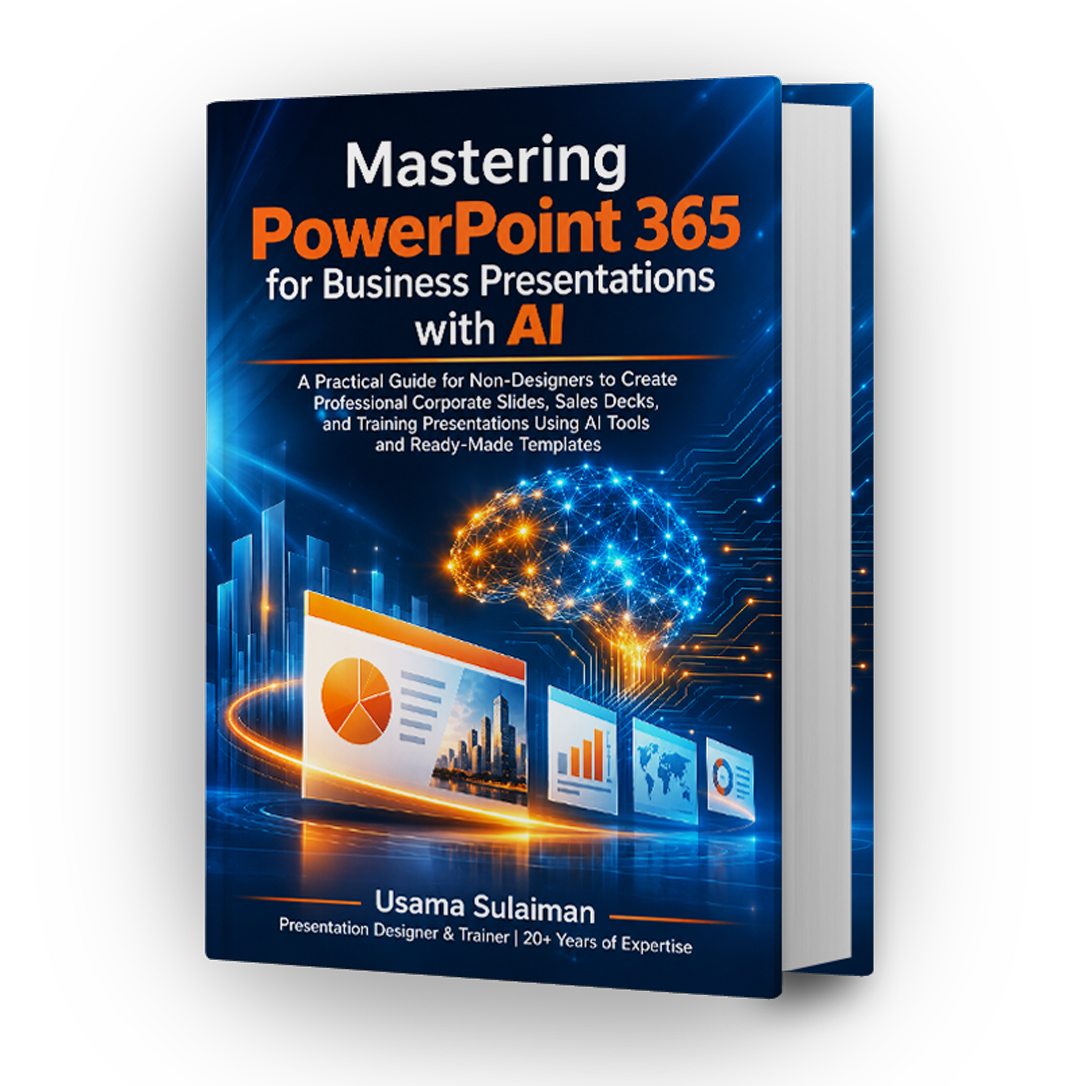
Mastering PowerPoint 365 for Business Presentations with AI
A practical, step-by-step reference for building clear, professional presentations, even if you have never designed a slide.
20 chapters, screenshots in every chapter, links to video walkthroughs, and a bonus part on using Claude for presentation design.
Who this book is for
Managers who need to present ideas to decision-makers, trainers, sales professionals, entrepreneurs pitching investors, students, and freelancers who want to build presentations for clients. It is written for non-designers who want professional-looking slides without learning graphic design.
The book is based on PowerPoint for Microsoft 365. Most methods also apply to other recent versions, and the book marks which features need a subscription or Copilot.
What is inside: 304 pages
The book has 20 chapters in nine parts, plus a bonus part on Claude. The bars show where each part sits in the book.
- Part IPages 2–8 8 pagesWho the book is for, and why PowerPoint 365 matters
- Part IIPages 9–17 9 pagesFoundations of modern business presentations, and a tour of the PowerPoint workspace
- Part IIIPages 18–73 56 pagesA presentation framework, slide architecture (3×3 rule, guides, whitespace), corporate branding, and templates from scratch
- Part IVPages 74–117 44 pagesAI-powered design: Copilot, creating slides with AI, business storytelling, and external AI tools with expert prompts
- Part VPages 118–143 26 pagesReady-to-use business templates, and before/after slide transformations
- Part VIPages 144–162 19 pagesPersuasion and delivery skills
- Part VIIPages 163–202 40 pagesComplete sample presentations, and lessons from well-known presentation styles
- Part VIIIPages 203–277 75 pagesProductivity hacks, exporting, sharing, and publishing
- Part IXPages 278–288 11 pagesA 30-day roadmap to becoming a presentation expert
- BonusPages 289–304 16 pagesUsing Claude for presentation design, with 14 ready-to-use prompts
Learn by seeing it done
Every chapter includes guiding screenshots, and many sections link to my video walkthroughs on YouTube. Buyers also get access to a companion resources page with most of the presentations created for the book.
Choose your edition
Online Edition
- Read the full book in your browser on any device
- Access to the companion resources page
- No downloadable file included
Complete Edition
- Everything in the Online Edition
- Downloadable PDF for your personal use
- Access to the companion resources page
Digital product, delivered after payment is confirmed. Each purchase is a personal-use license for one person and may carry a personalized watermark. Before buying, please read the Terms and Conditions, the Refund and Returns Policy, and the Specified Commercial Transactions Act Disclosure.
Questions
Do I need Microsoft 365 or Copilot?
No. Most of the book applies to other recent versions of PowerPoint. The Copilot chapters are optional, and manual steps are given elsewhere. Chapter 1 lists which features need a subscription.
What is the difference between the two editions?
The Online Edition is read in your browser. The Complete Edition adds a downloadable PDF for your personal use. Online reading and downloading are separate rights, as described in the Terms.
Can I share my copy with a colleague or client?
No. The license is for the purchaser only. You may use what you learn in your own work, including when preparing presentations for clients.
Are refunds available?
Because access is granted right after payment, we generally do not refund a change of mind. If you cannot access the book or were charged twice, email info@asahides.com. Details are in the Refund and Returns Policy.
Will the book be updated?
Corrections to this edition are included. Future editions or translations may be sold separately.